For streamers, podcasters & creators
Turn Long Videos Into Incredible Short Clips — Automatically.
Upload a stream, VOD or episode. Get vertical, captioned clips ready for Shorts, Reels and TikTok.
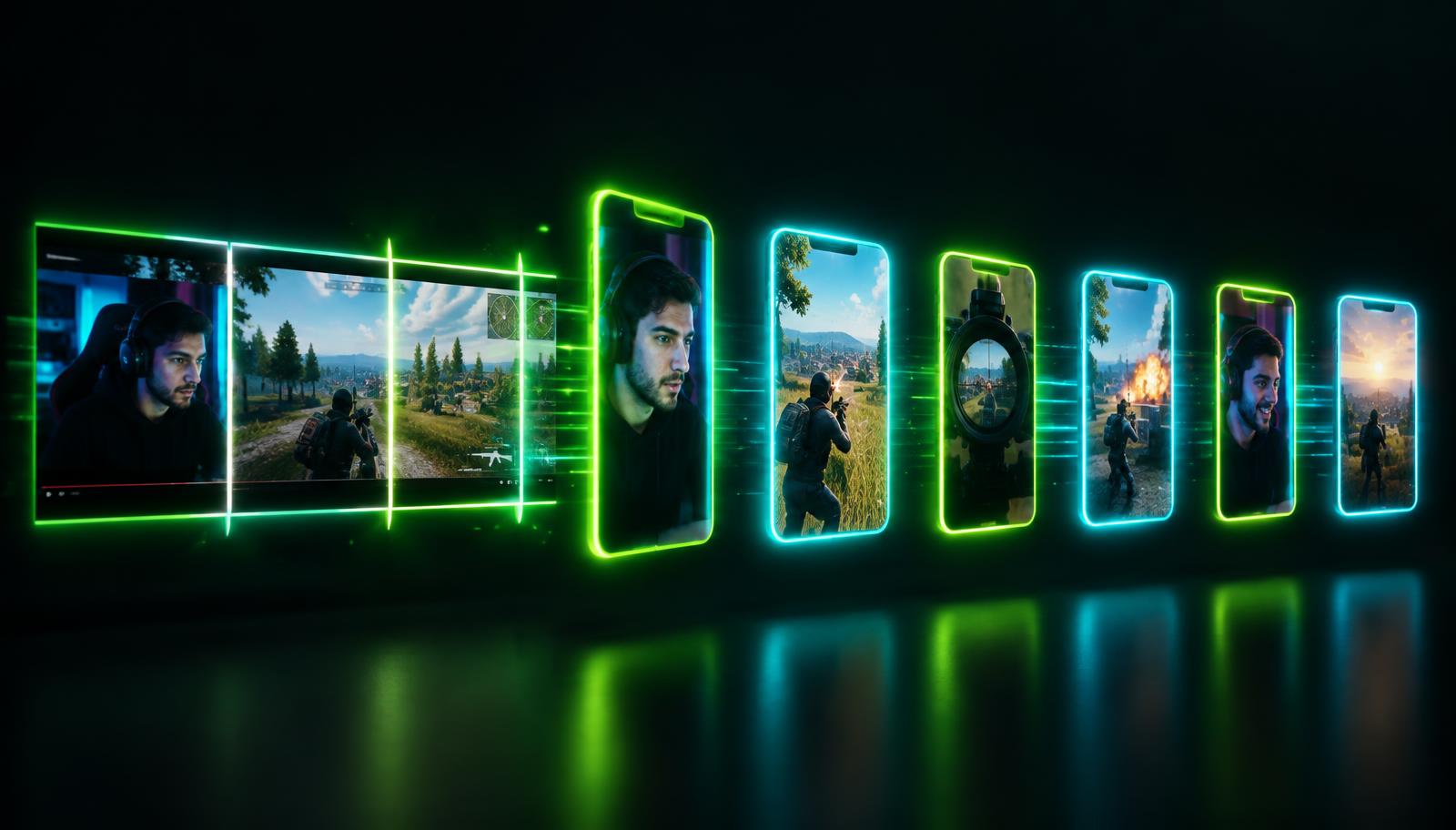
How it works
Upload
Drop in an MP4, MOV or WebM. Large files resume if your connection drops.
Choose a mode
Let AI find the best moments, or split evenly at a fixed interval.
Style it
Pick a format, crop and caption style built for Shorts, Reels and TikTok.
Download
Clips appear in your library as they finish — ready to post.
AI Highlights vs Auto Split
AI Best Moments
Finds the funniest, most intense or most quotable moments. Choose 3–15 clips, length, category and focus.
- • Gaming, GTA RP, Podcast, Interview, General
- • Funny, Action, Emotional, Informative, Balanced
Auto Split
Cuts the whole video into equal parts — perfect for series, recaps and full-episode reposts.
- • Every 15, 30, 60, 90 or 120 seconds
- • Same captions and format across every part
Caption styles
Five presets, designed for the feed.

Gaming Bold
Karaoke
Minimal
Cinematic
Podcast
Supported formats
Uploads up to 5 GB. Output in 9:16, 16:9 or 1:1 with smart, centre, blurred-fit or original framing.
Sample results
Illustrative examples.
Pricing
Plans coming soon
Create an account now to try Clipforge during early access.